Features
Easy to use: manage and track inventory, travel, and your team. Offer and accept quotes online—and crew bookings—with calendar view, skill sets, and blank-out days.
All AVGrid Features
One platform for events, crew, inventory, sales, and finance.
Dashboard & Ops
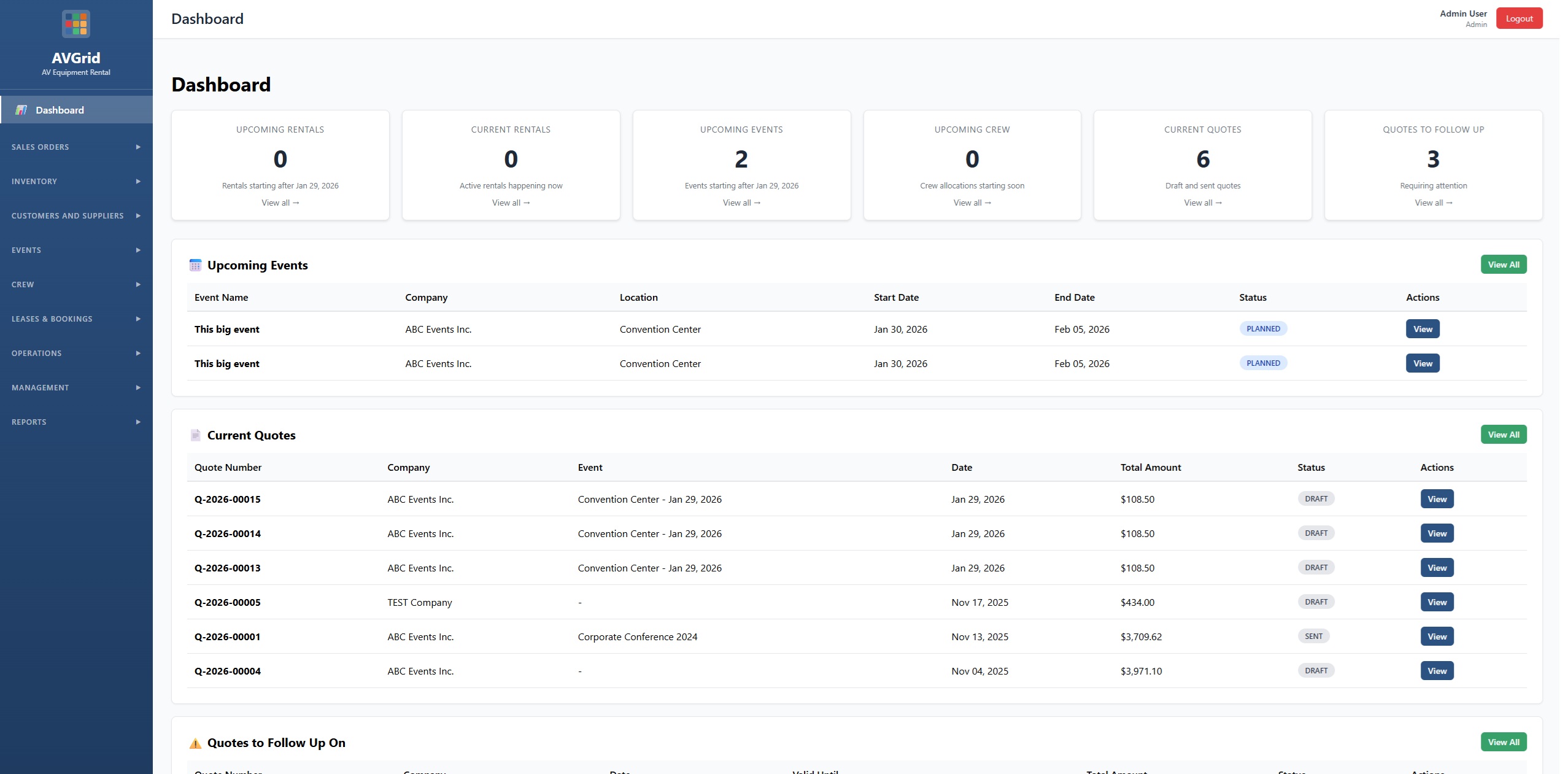
- Dashboard – rentals, events, crew, quotes, cash flow
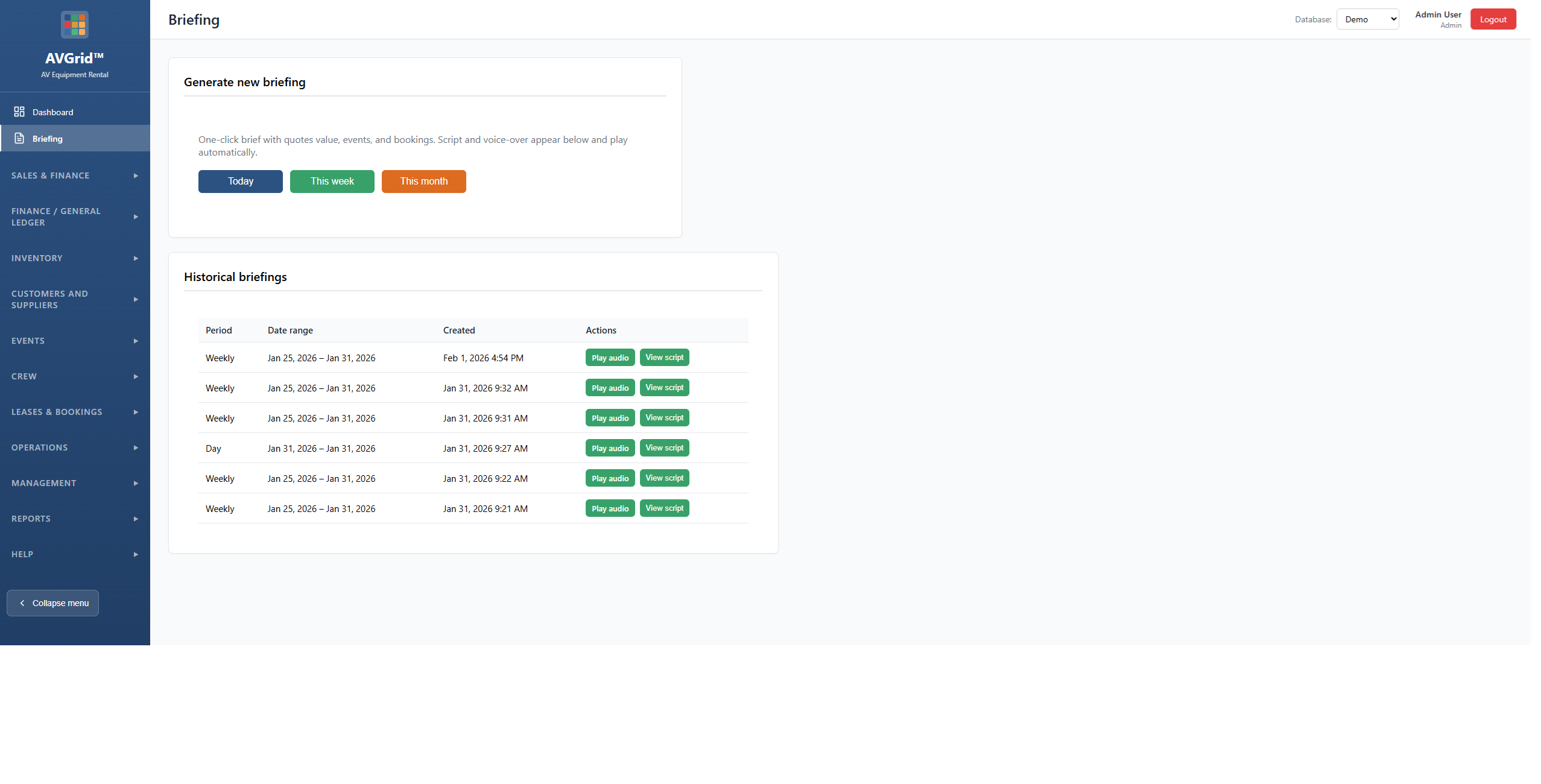
- Briefing – event crew briefing
- Today / Daybook
- Alerts
- Tasks
- Time tracking & timesheet approval
- Help & How-To
Sales & Finance
- Create Quote
- Quotes – build, send, accept online
- Opportunities – pipeline (Kanban)
- Sales Orders
- Contracts – generate, send, e-sign
- Invoices
- Bills (AP)
- Purchase orders
Finance / General Ledger
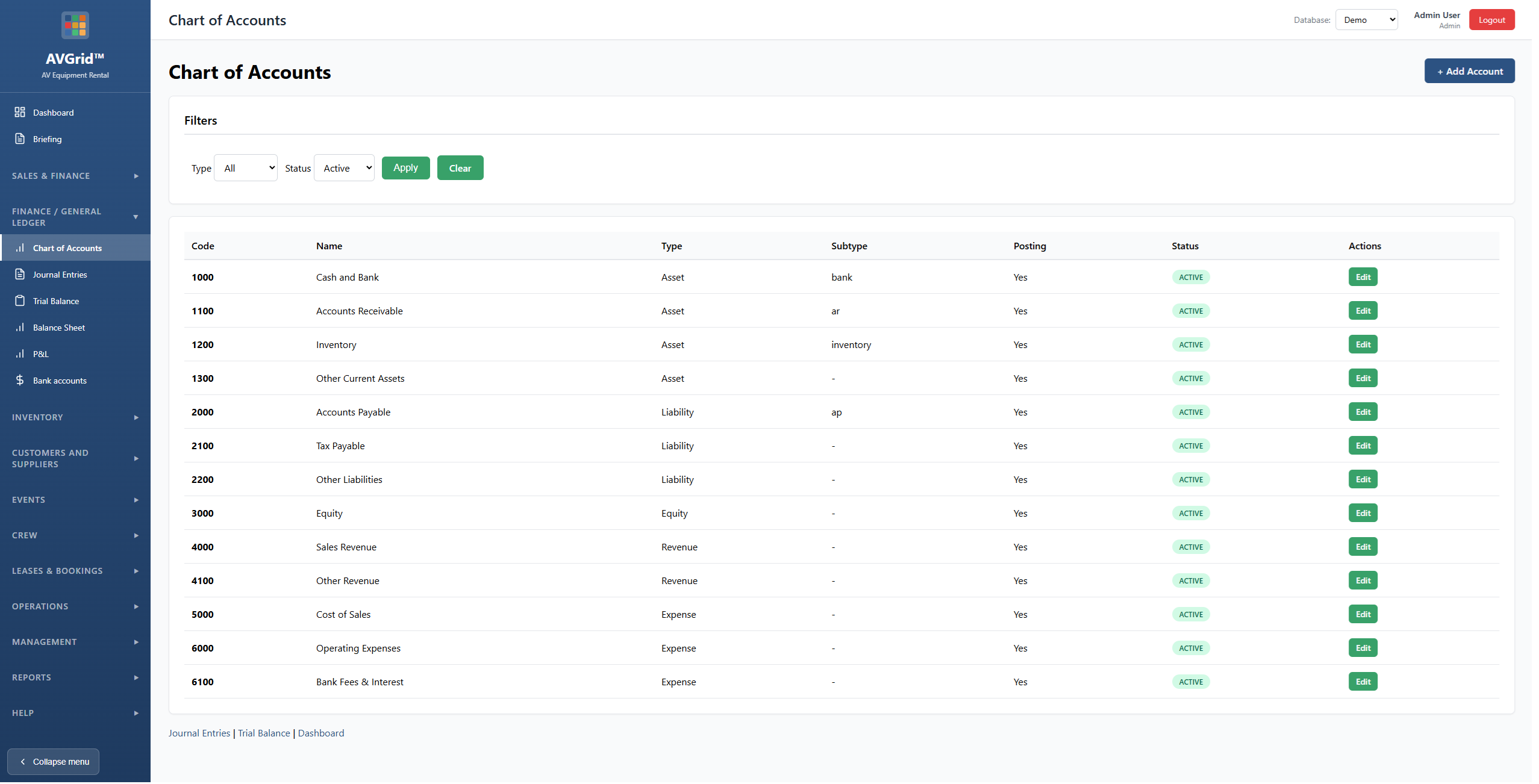
- Chart of Accounts
- Journal Entries
- GL Health Check
- Bank accounts & Reconcile
- Fiscal Periods
- Cost Centers
- P&L, Trial Balance, Balance Sheet
Inventory
- How it works / Structure
- Classes & Product groups
- Catalog Items (product groups)
- Serial Items
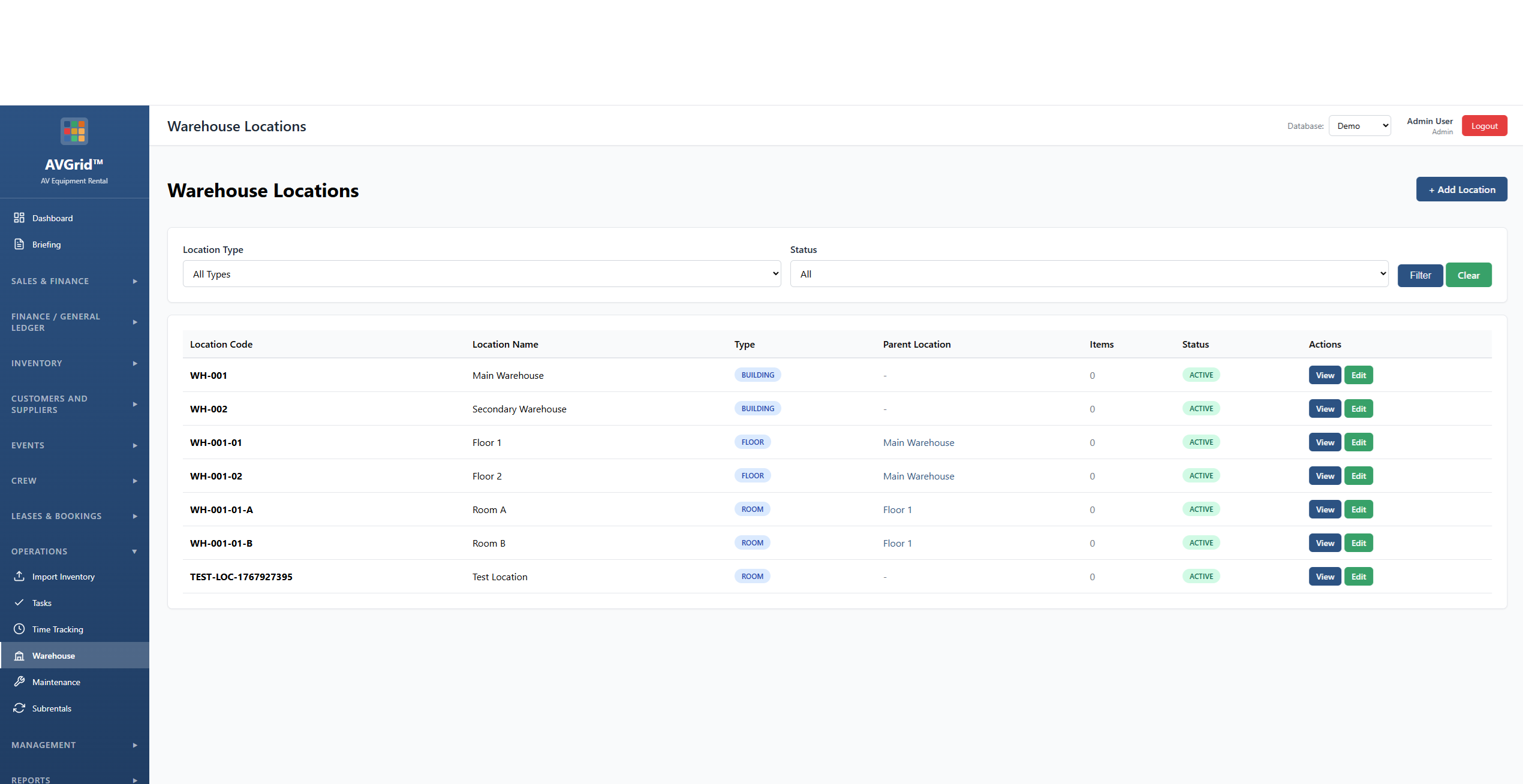
- Warehouse locations
- Kits & Kit Classes
- Lease Rates
- Shortage report, Physical count
- Transactions, Transfers
- Stock by location, Scan
Crew
- Crew Browse & Members
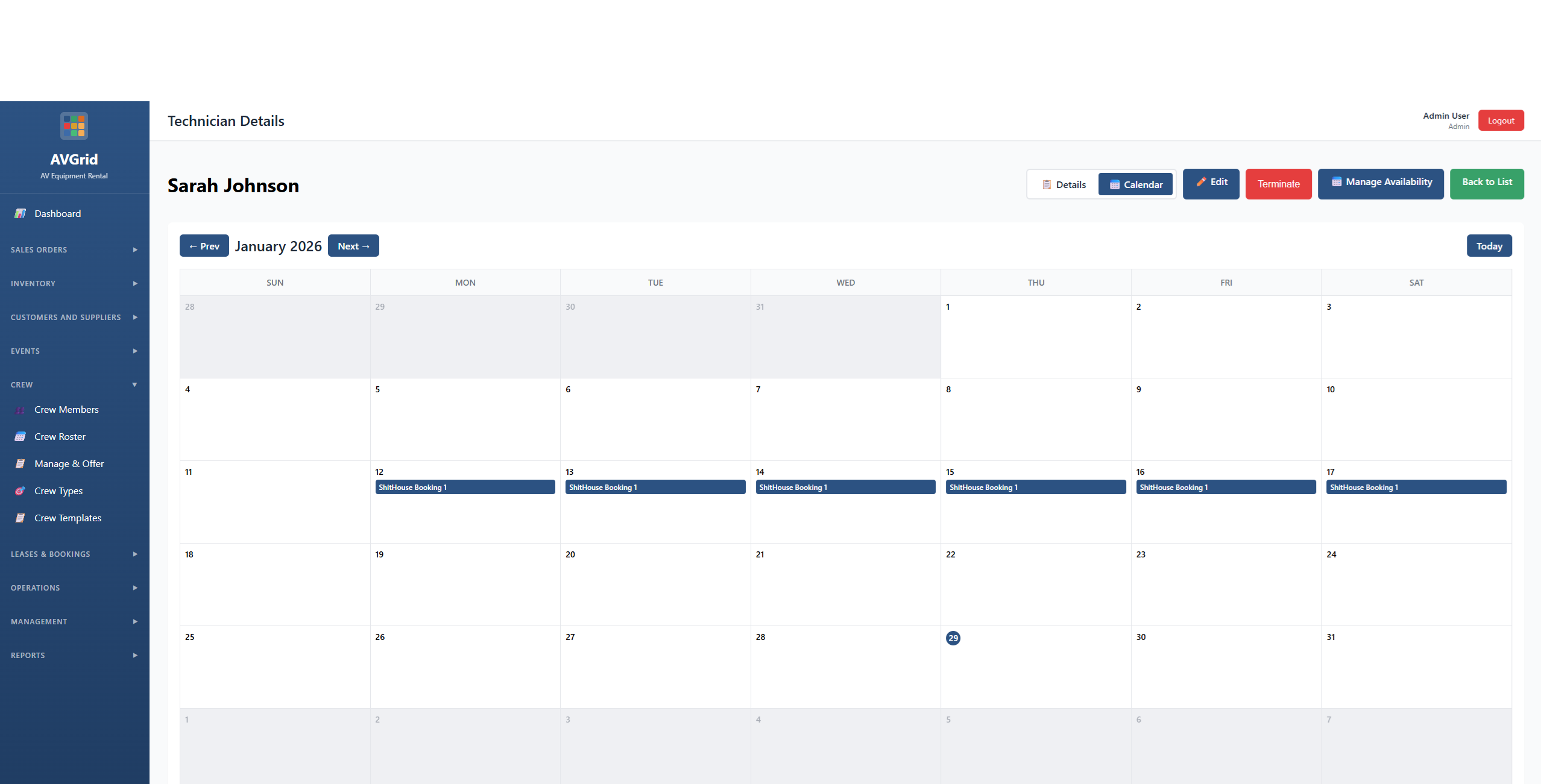
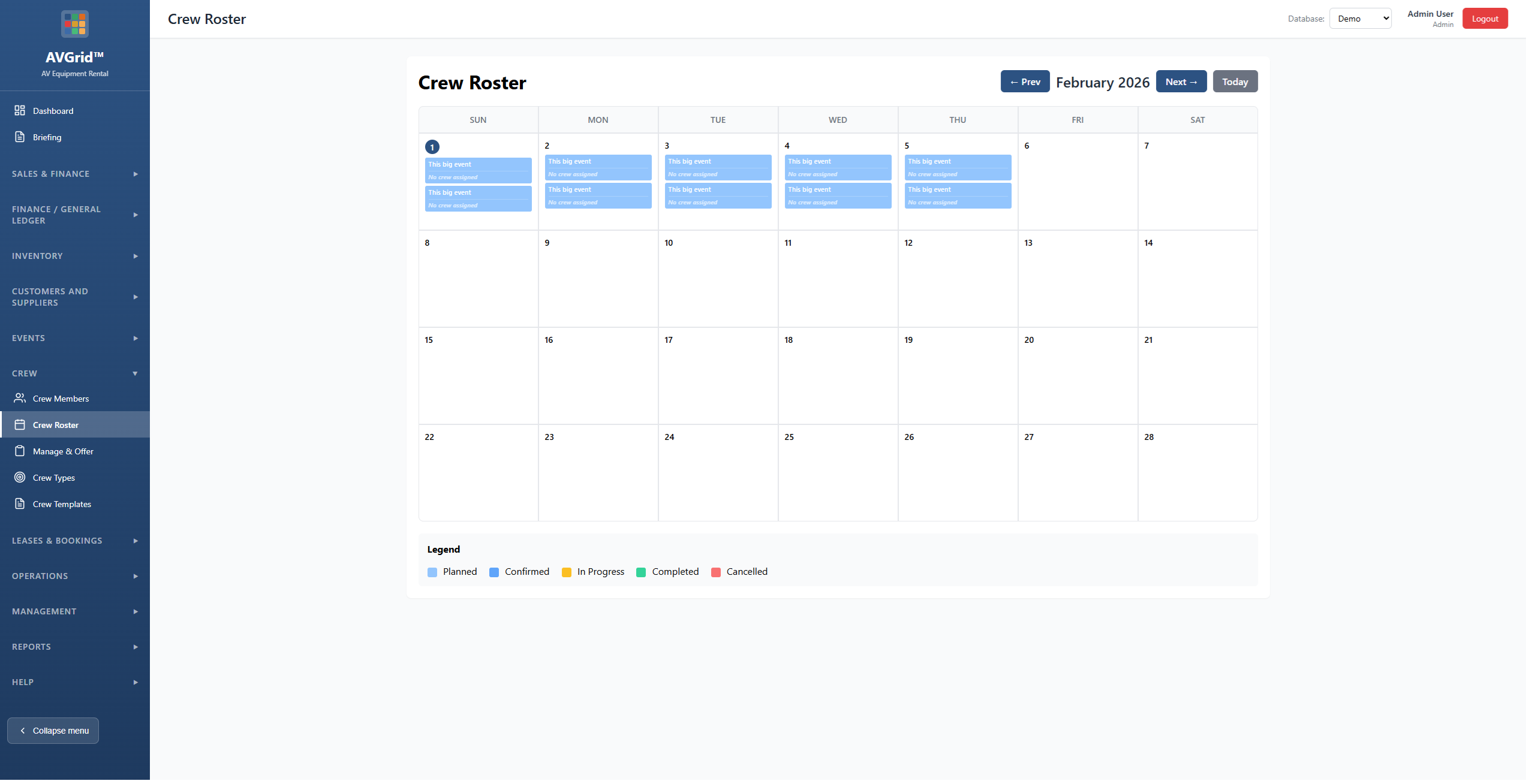
- Crew Roster & Calendar
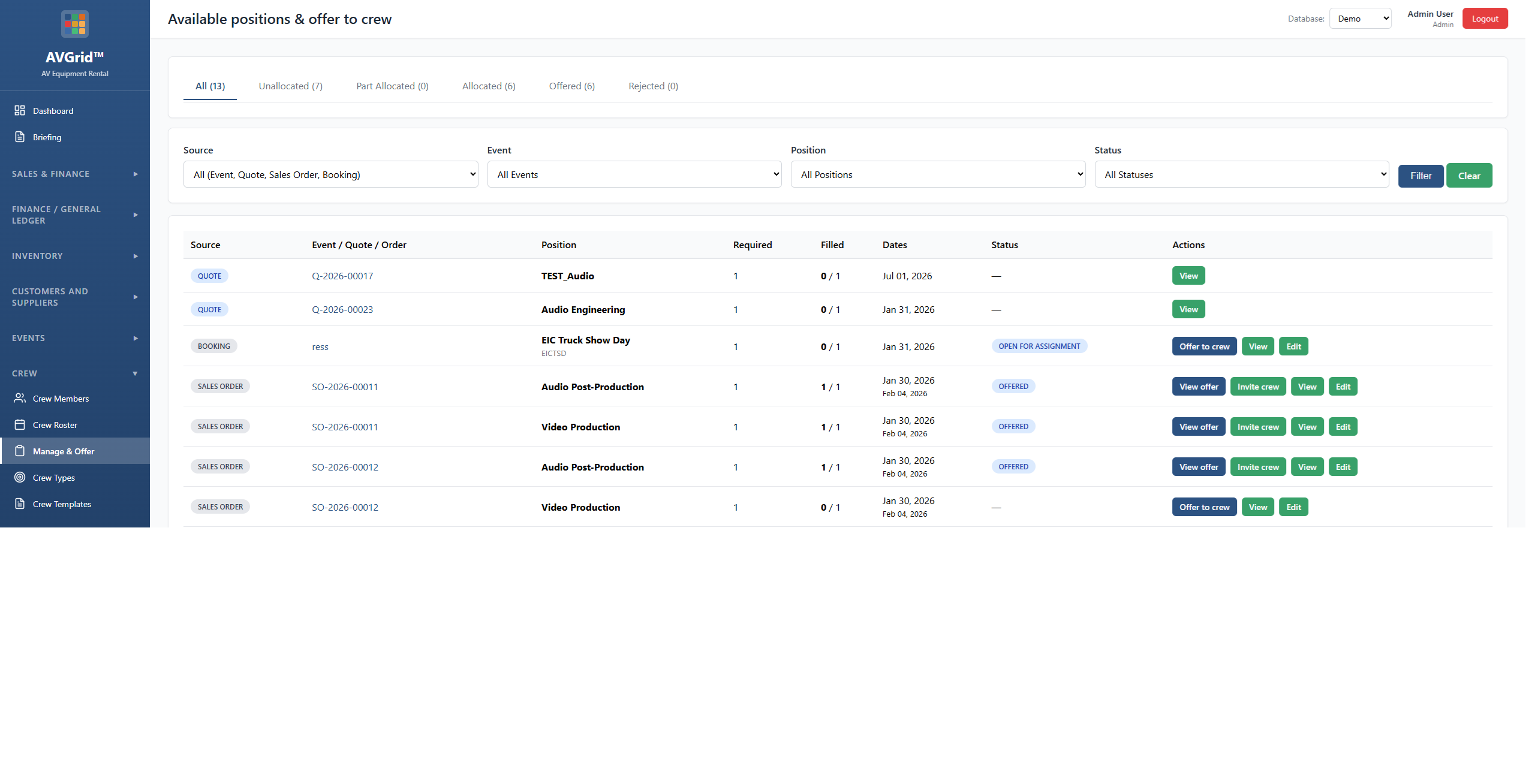
- Manage & Offer bookings
- Crew Types & Skill Tree
- Crew Templates
- Labor Dashboard
- Crew payables
- Blank-out days, Travel
Events, Leases & More
- Projects & Events
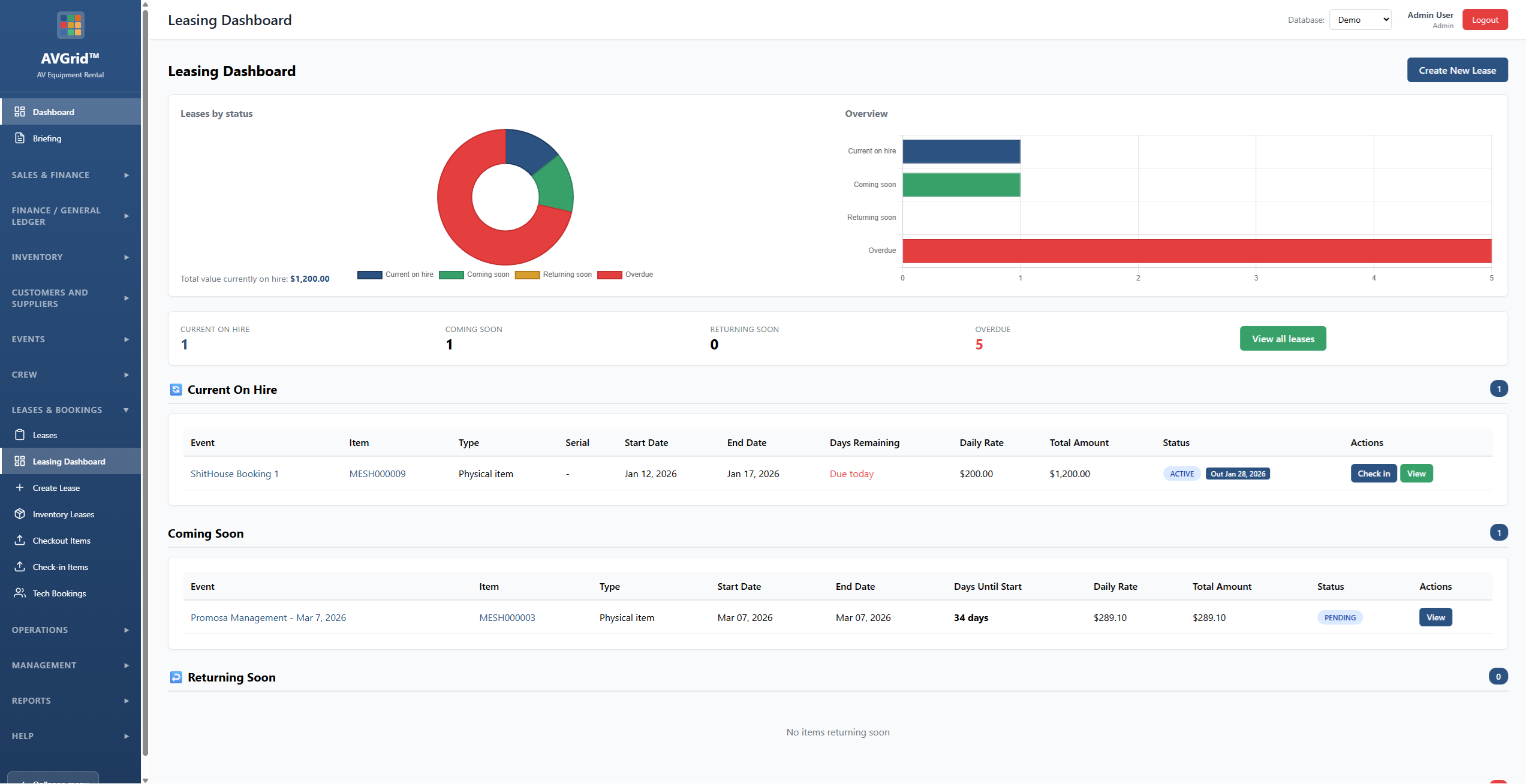
- Leases & Leasing Dashboard
- Inventory Leases
- Checkout & Check-in Items
- Customers, Suppliers, Contacts
- Venues & Locations
- Subrentals
- Warehouse, Maintenance, Repair Orders
- Reports (Call sheet, Profitability, etc.)
Management & Admin
- Users & Security Templates
- Client Portal
- Forms & Document Designer
- Logo & Company Details
- Run Migrations
- Audit Log
- API Settings
Operations
One platform for events, crew, inventory, and sales. See it in action below.
Events
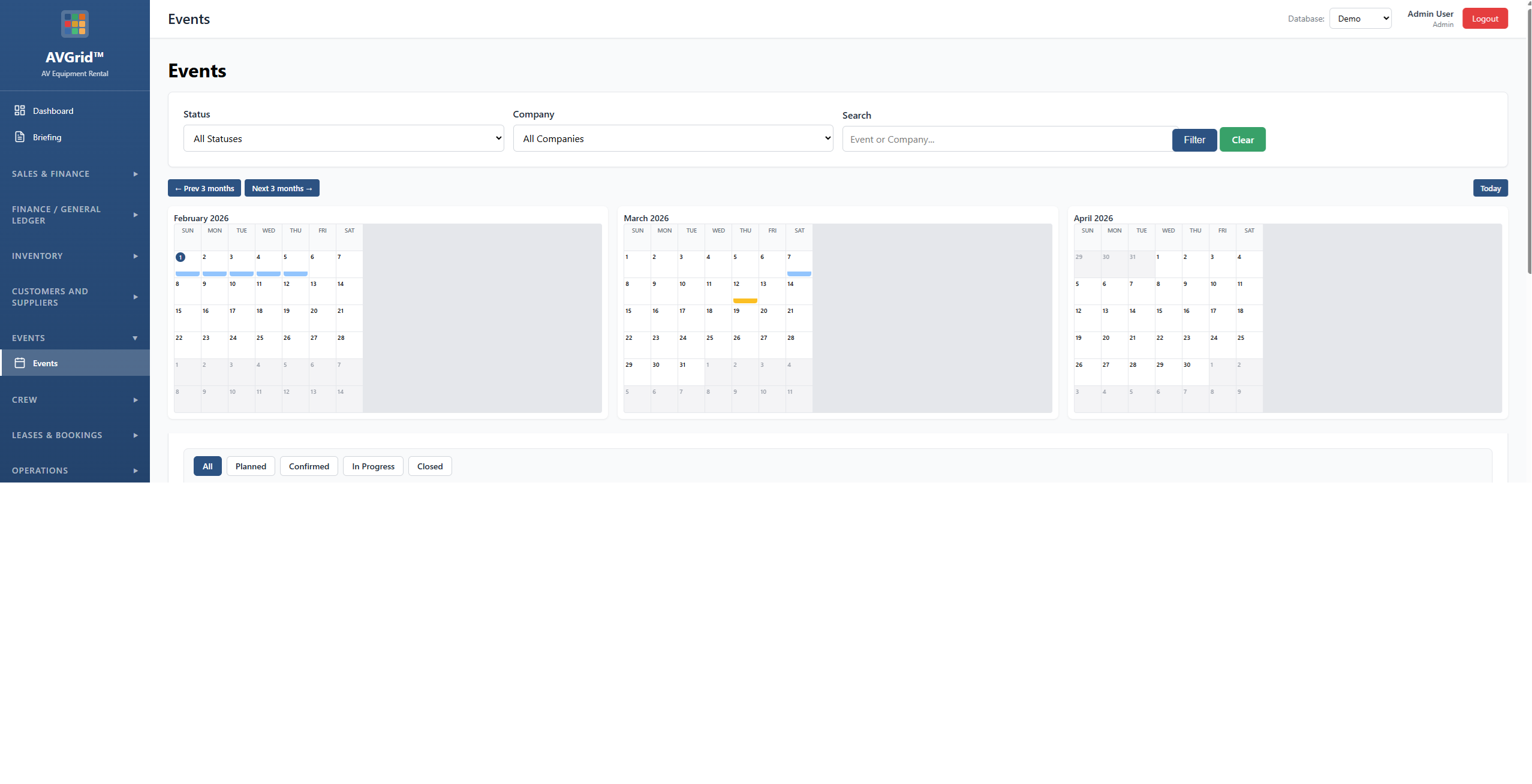
Create and manage events with company, location, dates, and status. Attach quotes and sales orders and view financial summary.
Inventory & tracking
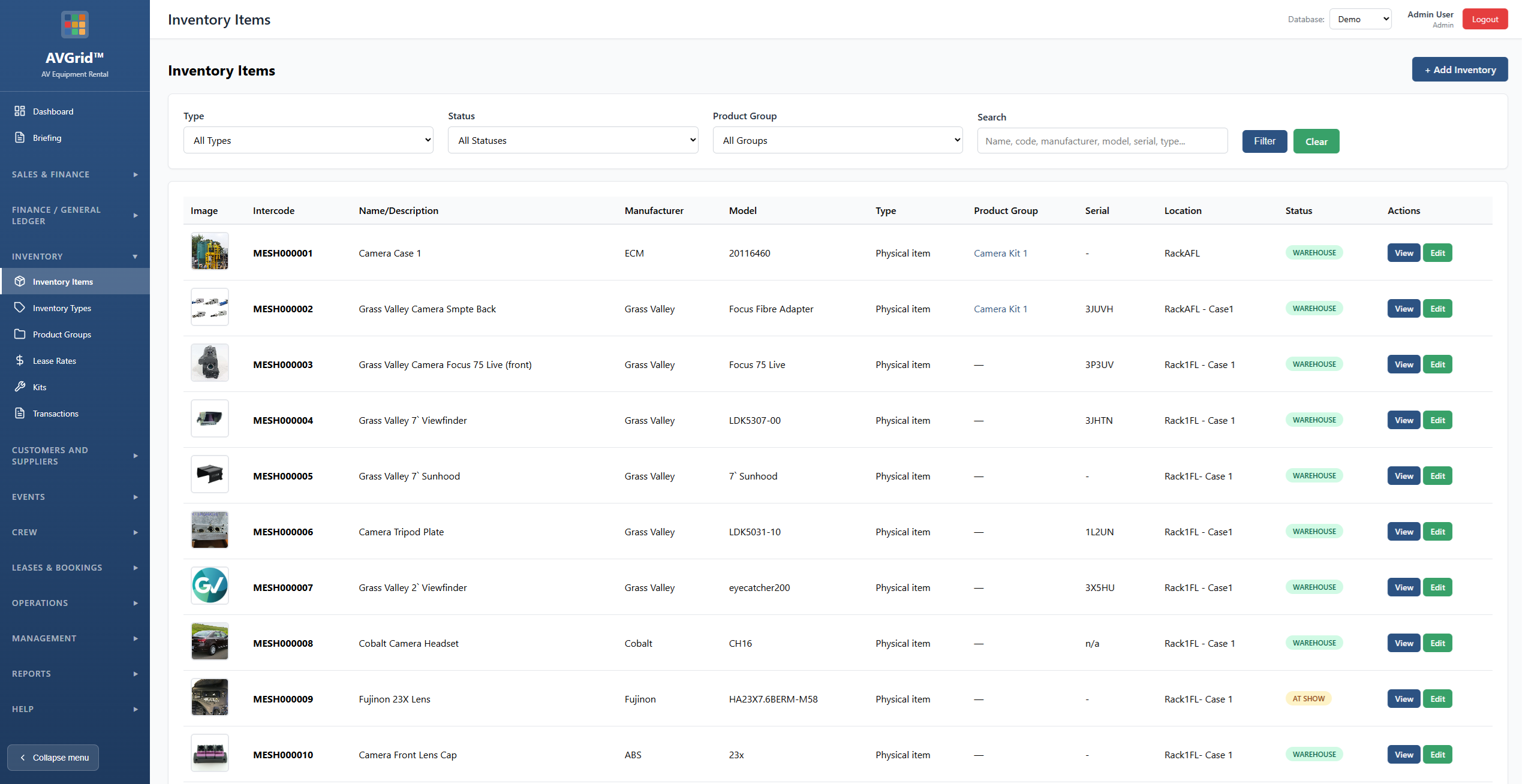
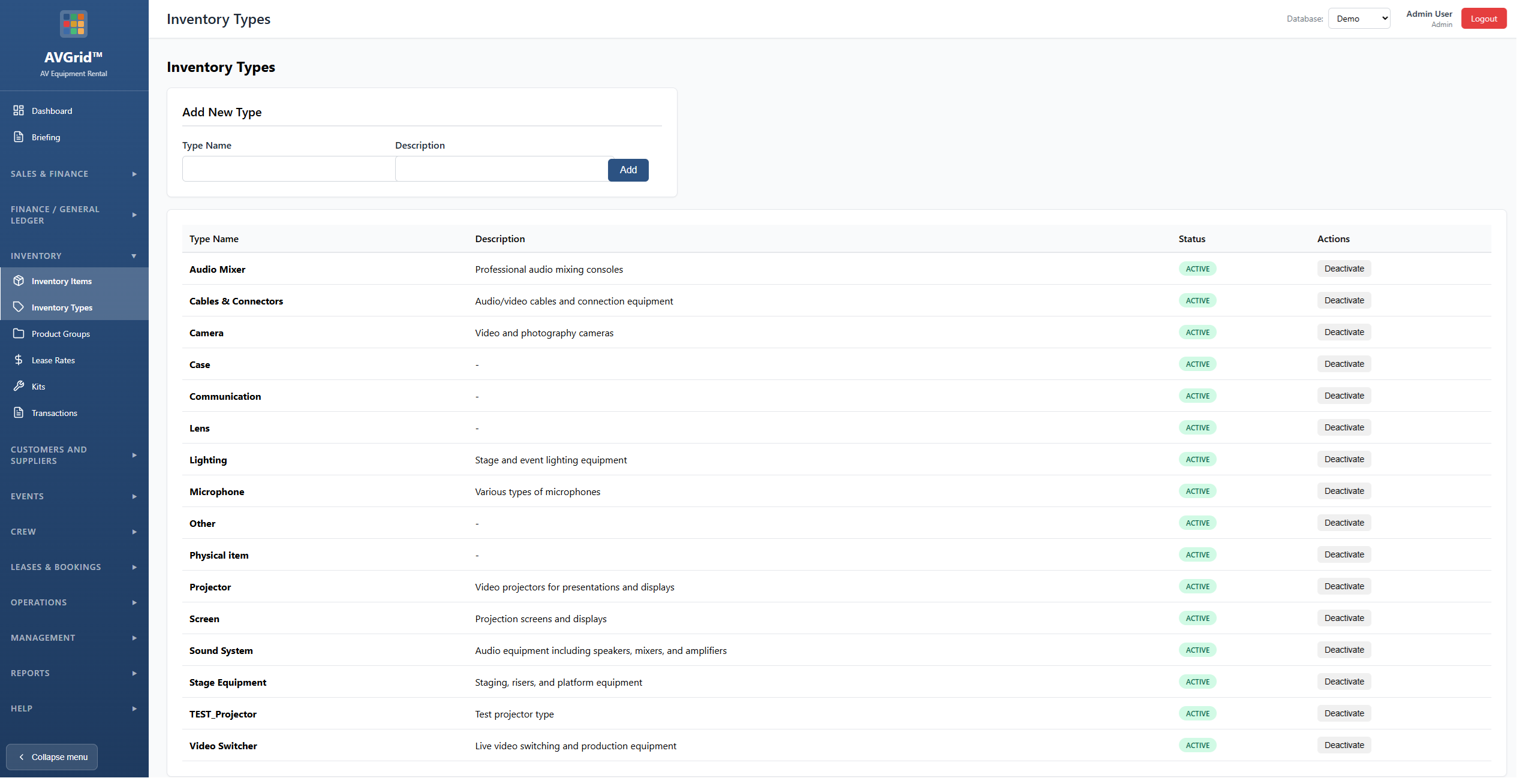
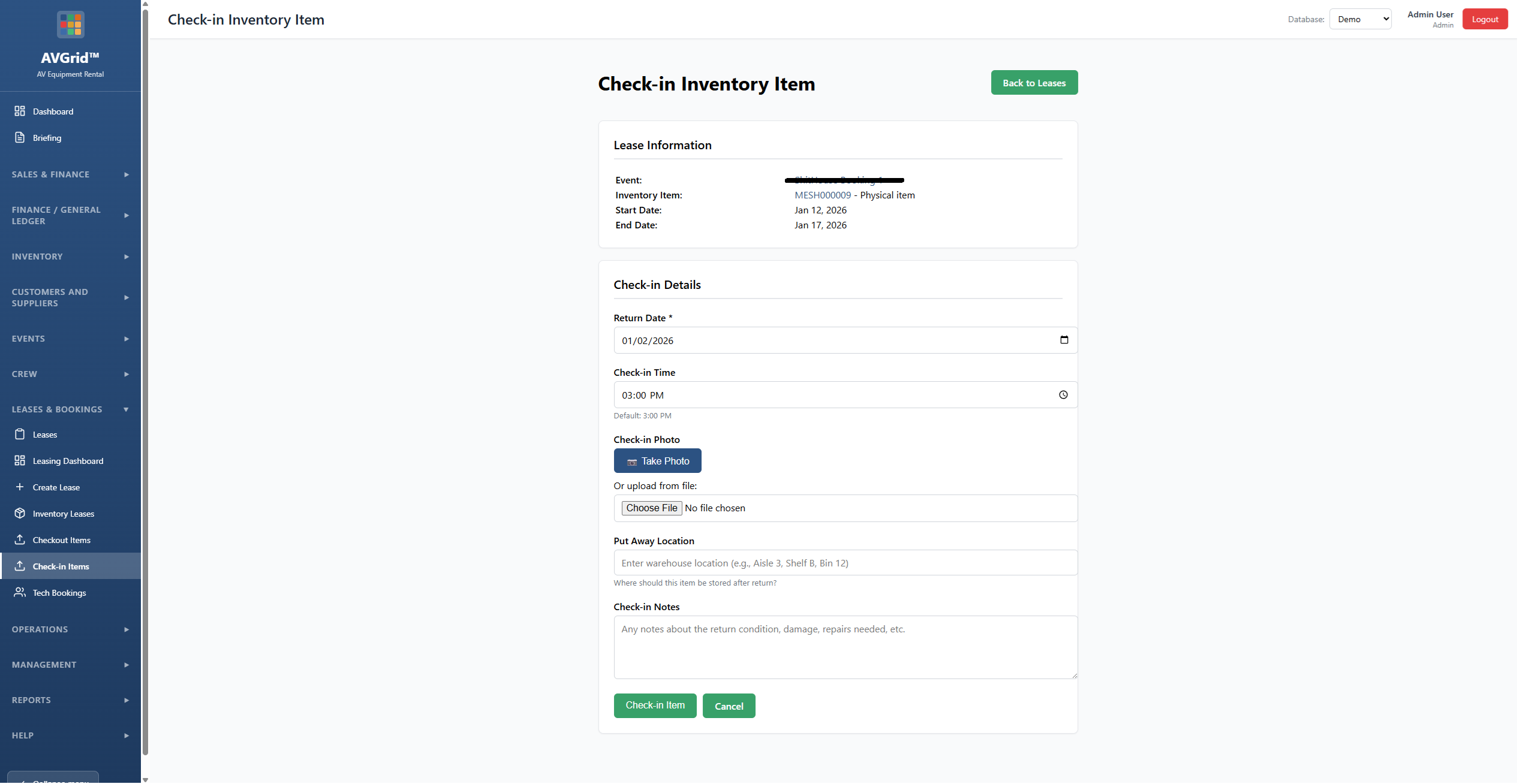
Easy-to-use inventory management: track equipment, types, and status. Create kits, link items to events, manage daily rates and totals. Checkout and check-in with full tracking.
Leases & kits
Create leases from events, add inventory or kits, set rates. Print packing lists and agreements. Manage checkout and return.
Manage team
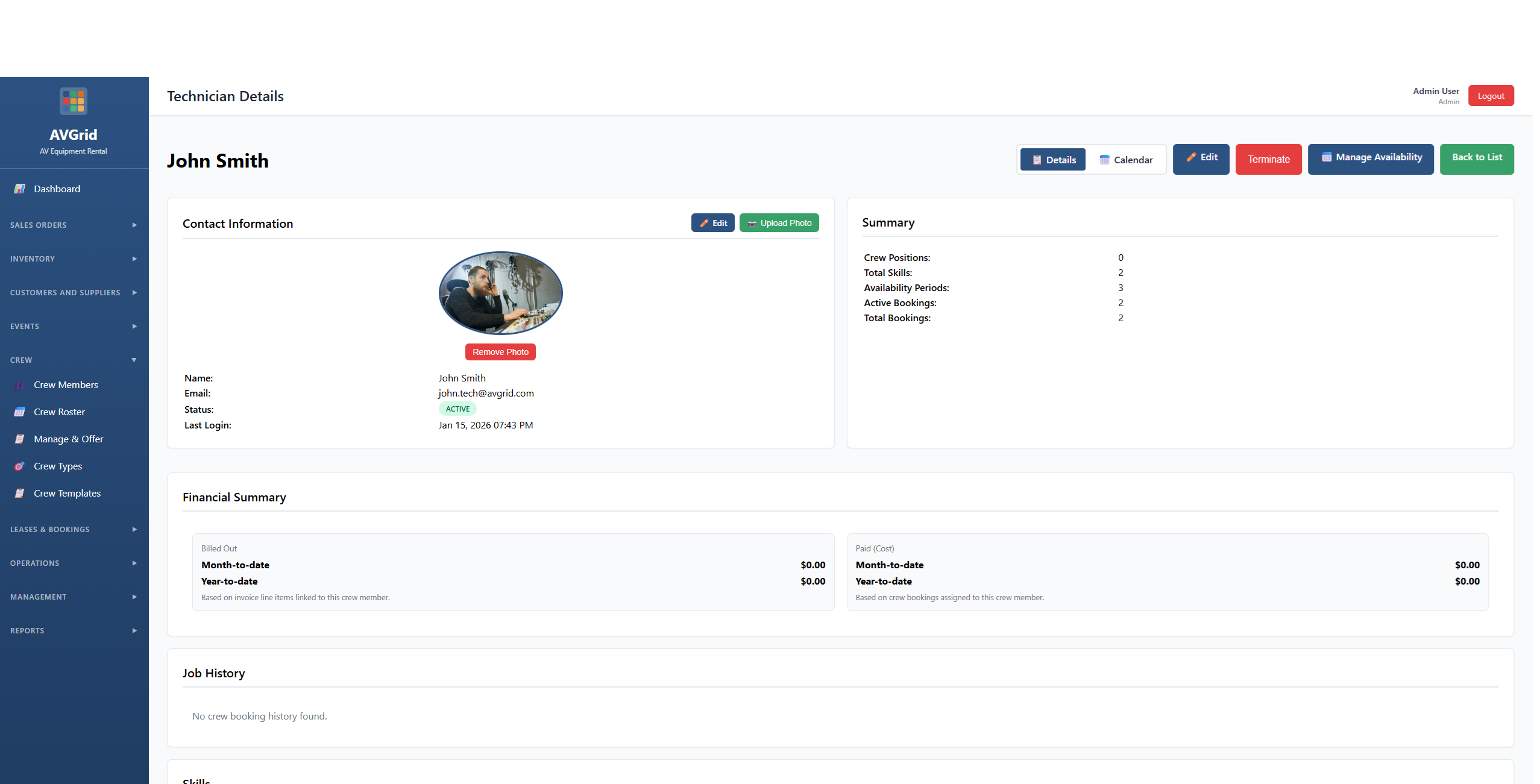
Crew members, positions, and roster in one place. Define roles per event, set required slots, and see who’s assigned. Templates and rates for repeat workflows.
Crew offers & accept online
Send booking offers to crew by email. They accept or decline via a link—no login required. Track pending, accepted, and declined in the app.
Skill sets
Assign skills to techs and crew. Match positions to skills, filter by capability, and see who’s qualified for each role.
Calendar view
View events and crew in a calendar. See what’s on when, switch between details and calendar. Plan and avoid double-booking.
Blank out days
Techs and crew can set availability. Blank out days when they’re not available so you don’t offer work on those dates.
Travel
Track travel and freight linked to crew and events. Add travel expenses, manage costs, and keep everything tied to the right booking.
Quotes
Build quotes with inventory, tech, and crew line items. Convert to sales orders and create events when accepted.
Offer & accept quote online
Send quotes to customers. They can accept or decline online via a link. On accept, convert to a sales order and create the event in one step.
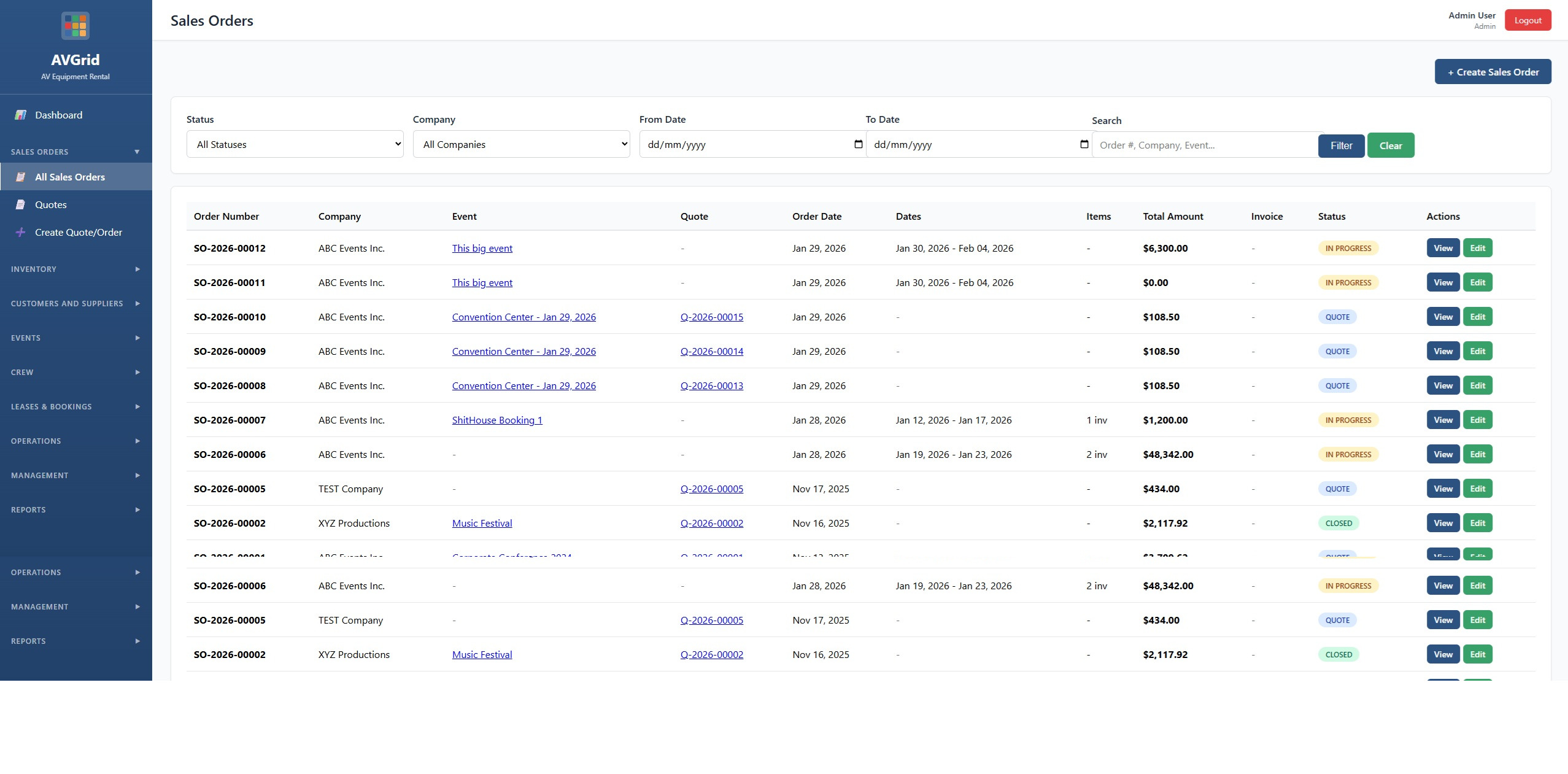
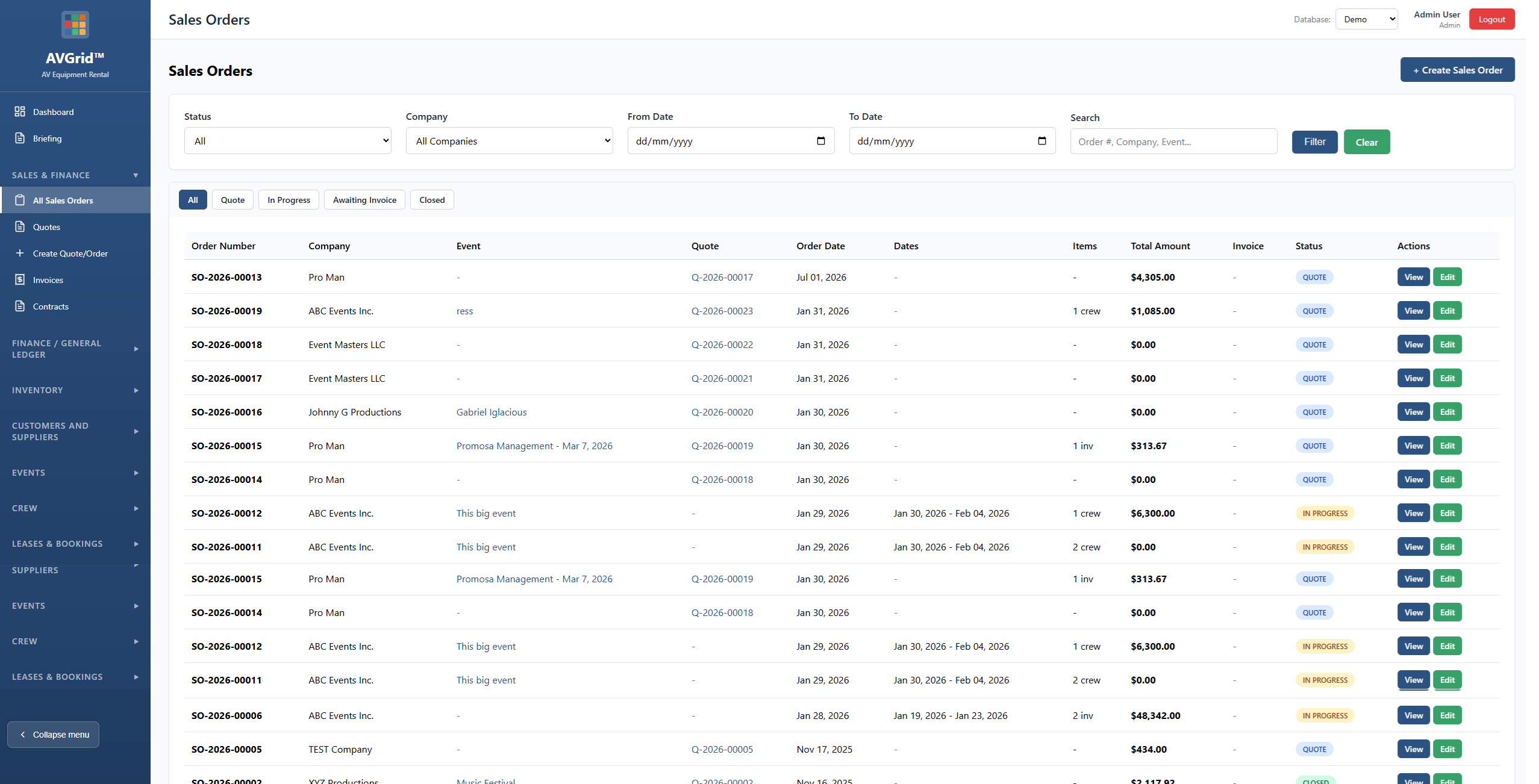
Sales orders
Link orders to events and quotes. Track status and totals. Print and manage order details.
Locations & venues
Manage locations and venues. Attach to events, keep addresses and details in one place.
Dashboard
Overview of upcoming rentals, events, crew, quotes to follow up, cash flow, and recent activity—all from the database.
Contracts & invoicing
Generate contracts and manage invoicing. Link to orders, events, and crew. Print and track documents.